Pibcremental Events & Relics Guide
Turn random tree chaos into resources, relics, and smarter prestige timing.
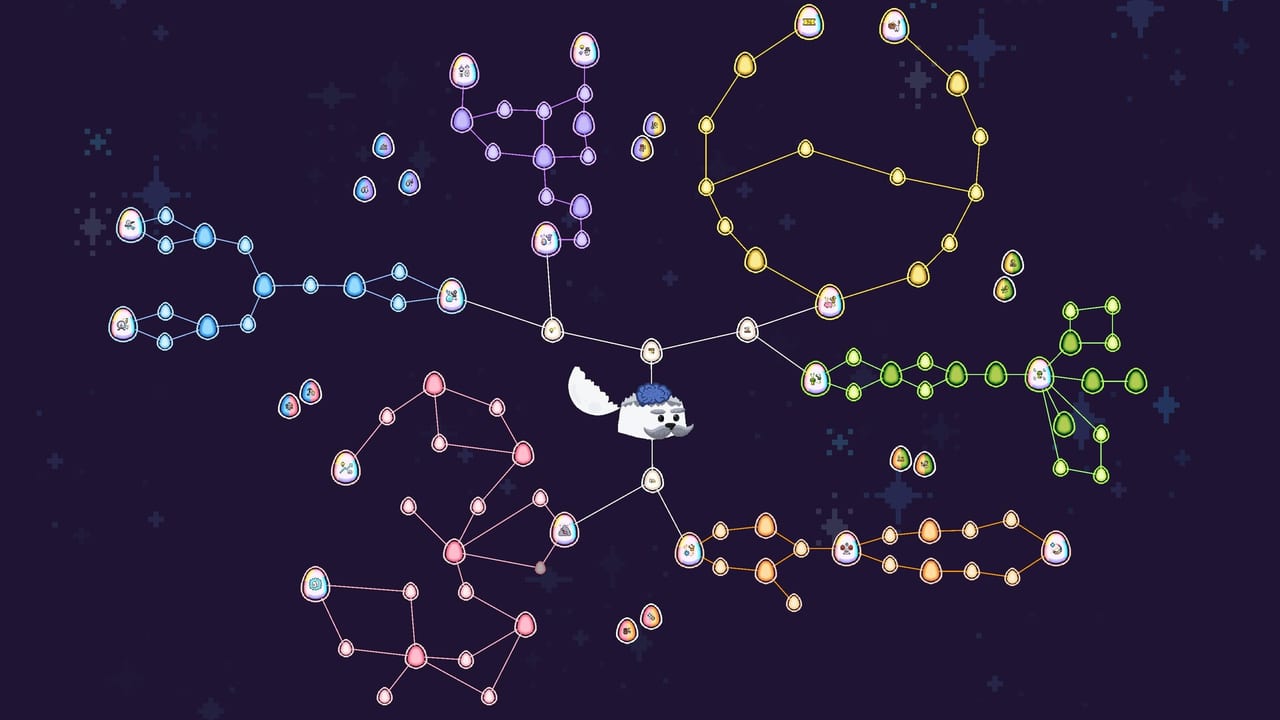
Life in the Pib tree is never quiet. Special events can appear at any moment, tossing extra resources, bonuses, and surprises into your run. Some rewards are raw stockpiles; others are relics that grant stronger, lasting advantages to the buildings they boost. This guide explains how to react when an event pops, how to place relics, and how event peaks feed prestige decisions—including wishing star checkpoints, the Digging event, and silkworm scratch windows.
If you are still learning the base loop, skim Getting Started and Resources & Buildings first. Session habits that keep you from missing pops live on Tips & Tricks. Silk-side wanderers belong with Silk & Costumes. Events amplify systems you already understand; they are a poor teacher if assignments and sap sinks still feel mysterious.
Why events matter
Idle-incrementals without events become pure spreadsheet timers. Pibcremental uses events to break the rhythm: sudden resource injections, temporary objectives, and relic unlocks that rewrite which building deserves your Pibs. Playing events promptly usually beats ignoring them to “focus on the grind,” because the grind’s next breakpoint often is the event reward.
Typical event value:
- Burst sap, scrap, silk, or specialty resources (including Cool-Upgradium from some event and expedition paths).
- Progress toward upgrades or tree grows you were saving for.
- Relics that permanently (or long-term) empower specific buildings.
- Soft guidance on what the current run should specialise in.
When an event appears mid-menu, finish or pause the purchase flow, resolve the event, then return with a restaffed plan.
How to play an event well
- Read the reward before clicking frantically. Know whether you are earning a pile of sap or a relic choice.
- Clear interactions the event asks for—mini objectives beat AFK hope.
- Spend or slot the reward deliberately. Dumping a huge sap spike into a random upgrade is worse than banking it for a tree grow or a planned tech node.
- Reassign Pibs if a relic just favoured a building (see below).
- Finish the event before prestige if you are near a reset—points should reflect the spike, not truncate it.
Keep camera control sharp so event props and highlighted buildings are not hiding off-screen; the controls guide covers pan, zoom, and hold-click habits.
Relics and building boosts
Relics are the long tail of event play. When a relic boosts a building, that structure’s multiplier bar and staffing priority should jump. Practical relic workflow:
- Identify which building the relic affects.
- Move spare Pibs onto that building until capacity or diminishing returns hit.
- Buy cheap upgrades tied to that building’s resource.
- Use sap cycler explosions and active clicks to feed the resource that building wants or produces.
- Carry that focus into your next prestige plan so permanent buffs rhyme with the relic specialty.
A relic on an unstaffed building is almost cosmetic. Relics want workers. If you need a refresher on assignment and resource sinks, reopen Resources & Buildings.
Wishing star (Adventure prestige unlock)
The wishing star event becomes a recurring mid/late tool after you unlock the adventure prestige tree. Prestige nodes can also improve the star—for example offering an additional wish to choose from—so your first adventure purchases reshape how valuable each star feels on later runs.
Treat every wishing star as a planning checkpoint, not random candy:
- Read all wishes before picking. Prefer the option that unblocks your current bottleneck (sap, scrap, silk, hatch pace, or a relic-adjacent bonus) over the flashiest unknown.
- If a wish accelerates prestige currency or a permanent-adjacent bonus and you are already near a clean peak, take it, finish any sibling event UI, then prestige.
- If the wish is a powerful relic or production spike, slot it, restaff, ride the boosted minutes, then decide on reset.
- If you were about to prestige with no plan, let the star define the plan—buy the adventure node that matches the reward’s direction on the next run.
- Never reset with an unclaimed star sitting on the tree. Finish events before prestige so the run’s peak value is captured.
Wish priority heuristic when choices look even: (1) relic that matches a building you can staff now, (2) resource that pays the next tree bill, (3) quality-of-life that speeds the loop you already run, (4) speculative luxuries. Cross-check reset timing with the prestige guide and keep session discipline from Tips & Tricks.
Digging event
Digging is a scrap-flavoured special event built around shovel uses and mound rewards. Upgrades can add shovel charges or multiply Digging payouts—sometimes dramatically—so skim scrap-side tooltips before the next mound appears. When Digging is active:
- Pause long AFK stretches; Digging wants interactions, not hope.
- Spend scrap on Digging multipliers only when an event is live or clearly imminent—otherwise prefer the next tree bill.
- Bank Digging scrap into Scrapyard upgrades, hatch fuel via Market trades, or the grow cost you were already chasing.
- Pair Digging attention with sap cycler glances so you do not miss ore while digging.
Digging rewards often feed the same scrap pipeline that gates mid-tree grows. Ignoring the mound to “protect” a perfect upgrade path usually just delays the grow.
Silkworm scratch awareness
Once Silkworm Daycare exists, worms occasionally wander between naps. Click and drag a wanderer to give it a scratch and claim rewards. More Pibs assigned to the Daycare make worms wander more often, so scratch income scales with silk staffing—not only with passive silk ticks.
Scratch windows are mini-events: keep the Daycare visible, claim wanderers when they stroll, then return to crafts or grows. Full Daycare and Costume Parlor routing—including stacking ~1.1 sap costume tools—lives on Silk & Costumes. This page’s job is simpler: do not AFK through a tree full of unscratched wanderers while you stare at the upgrade shop.
Events versus the sap cycler
The sap cycler (condensed sap ore about every five minutes) is a recurring burst system, not the same thing as a special event, but you should manage both together. An event that demands attention can make you miss an ore pop; likewise, breaking ore mid-event can fund the event’s spend requirements. Glance at both timers whenever the screen gets busy. Burst stacking—Digging or wishing star reward plus ore explosion plus a tree grow—creates the spikes that make prestige points feel generous.
Building a run narrative with events
Strong runs often tell a simple story:
- Open with hatch, assign, and early sap tech (Getting Started).
- Grow the tree to unlock buildings that match upcoming event/relic targets—including Daycare when silk is online.
- Clear Digging, wishing stars, and silkworm scratches as they appear; slot relics onto the chosen line.
- Push multiplier bars on those buildings; stack costume tools when silk crafts are the best spike.
- Finish active events, then prestige when the story peaks and buy meta nodes that reinforce the same specialty.
Weak runs ignore events, spray relics across buildings you never staff, and prestige mid-star. The difference is attention, not secret formulas.
Event etiquette for idle sessions
Because Pibcremental supports cozy idle play with Steam Cloud on a single-player Windows build, you will sometimes return to a tree mid-event or with rewards waiting. On login:
- Resolve any pending Digging, wishing star, or scratch UI first.
- Claim obvious resource pops and sap cycler ore.
- Reassign Pibs if a relic changed priorities while you were away.
- Only then open the upgrade shop for long spends.
That order prevents “I bought the wrong upgrade with event sap I did not notice.”
Achievements and event play
Among the 30 Steam Achievements, several naturally align with event participation, relic collection, and milestone clears. You rarely need a dedicated event-grind route—completing events during normal optimisation is enough for most badges. If an achievement hints at a specific event chain, keep playing events promptly rather than skipping them for raw AFK income.
Common mistakes
Skipping events to protect a “perfect” upgrade path. Events usually are the path.
Slotting relics and forgetting to restaff. Always move Pibs.
Prestiging during an active wishing star, Digging mound, or scratch window. Finish the window first.
Spending event sap on dump upgrades instead of a grow or a multiplier that matches your relic.
Ignoring Daycare wanderers after silk unlocks—free scratch loot left on the bark.
Losing the event building off-camera. Zoom out, pan with RMB or arrows, then act (Controls).
Cross-links for event players
- Tips & Tricks — cycler, Digging awareness, Cool-Upgradium, prestige timing habits
- Silk & Costumes — Daycare staffing, Parlor crafts, scratch rewards
- Resources & Buildings — know what to spend event loot on
- Prestige Guide — turn event peaks into permanent buffs; finish events before reset
- Getting Started — basics before advanced event routing
- Controls — find event props quickly
- Guides Hub — full guide index
Events are the chaotic half of Pibcremental’s cozy promise. Lean into them, finish high-value windows before prestige, staff what relics empower, and let Digging mounds and wishing stars tell you which skyline this run is trying to reach.
Frequently Asked Questions
Quick answers about Pibcremental progression, prestige, and resources.
What do special events do in Pibcremental?
They can appear at any time and reward extra resources, bonuses, or relics. Digging, wishing stars, and silkworm scratches are common mid-run windows—play them promptly for faster grows and cleaner prestige peaks.
When does the wishing star unlock?
Wishing star becomes a recurring event after you unlock the adventure prestige tree. Some prestige nodes add extra wishes to choose from, so adventure purchases improve later stars.
Should I prestige during an event?
No—finish Digging, wishing star, or other high-value windows first so the run captures the spike. Then reset with a permanent buff that matches what the event favoured.
What is the Digging event?
Digging is a scrap-focused special event built around shovel uses and mound rewards. Grab shovel or Digging multiplier upgrades when a mound is active or clearly coming, then spend the scrap on your current bottleneck.
How do silkworm scratches work?
After Silkworm Daycare unlocks, worms wander between naps. Click and drag them for scratch rewards. More Pibs on Daycare make wanderers appear more often—see Silk & Costumes for the full silk chain.